CodeLens
CodeLens is a free, open source desktop application that explains any code in six different ways using AI — built with Python and available on Windows, macOS, and Linux. Supports Google Gemini, Anthropic Claude, and OpenAI.
PROJECT IMAGES
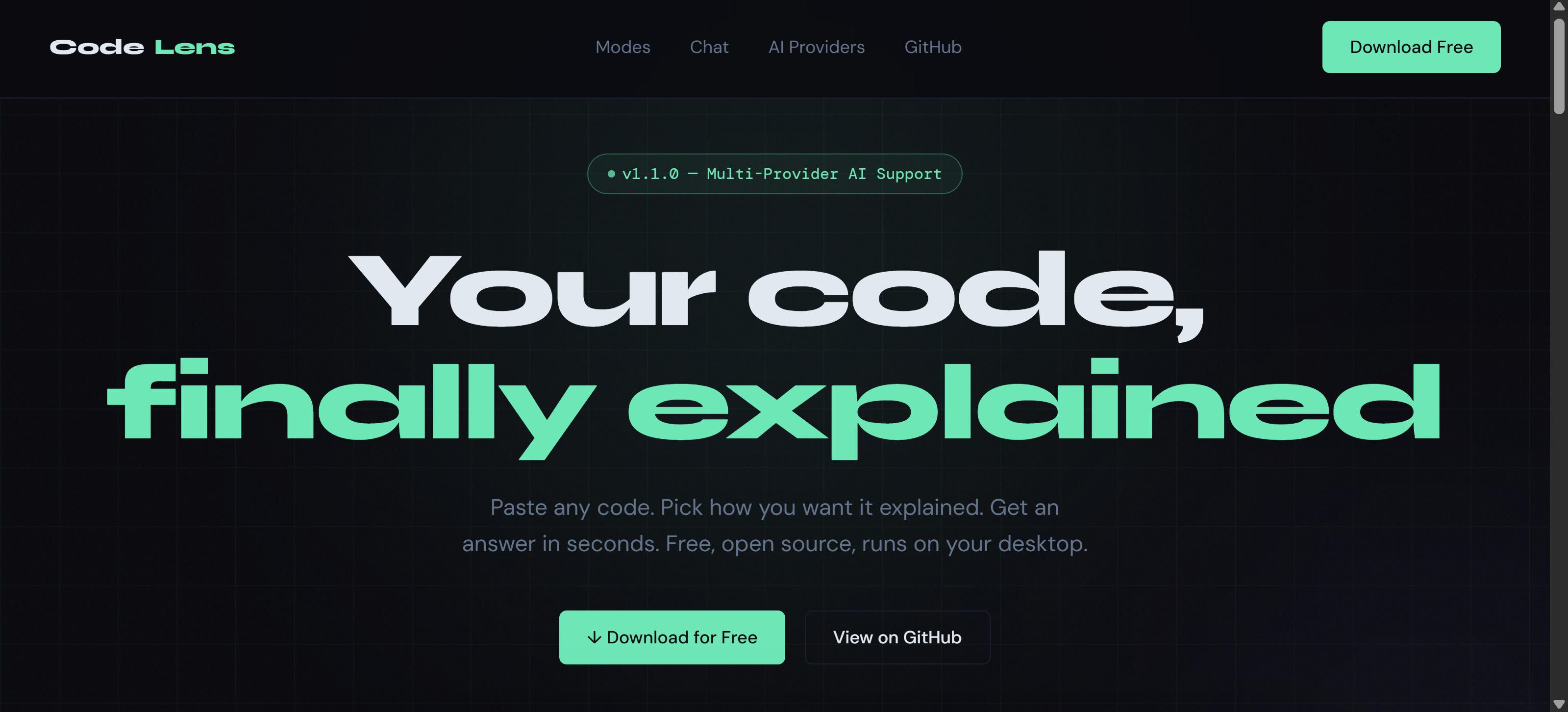
CodeLens is a desktop application built with Python that solves a problem every developer faces — understanding code that isn't immediately obvious. Instead of a single generic explanation, CodeLens offers six distinct explanation modes, each designed for a different situation and level of depth. Overview gives the big picture — what the code does, its main flow, and key components without unnecessary detail. Beginner mode strips out jargon entirely and uses plain language and real-world analogies to make the logic click. Line-by-Line breaks down every meaningful line in order — ideal for debugging, onboarding, or learning something unfamiliar. Advanced mode goes deep with Big-O analysis, design pattern identification, architectural decisions, and performance notes written at peer level. Security Audit reads the code the way an attacker would — flagging SQL injection vulnerabilities, weak authentication patterns, exposed secrets, and unsanitized inputs, with specific fix instructions for each issue found. Refactor mode identifies duplication, bloated functions, and structural problems that will become technical debt, with actionable suggestions for cleaner, more maintainable code. After the initial explanation, CodeLens opens a follow-up chat session. The AI retains full context of the code and what it just explained — so questions like "why is line 3 vulnerable?" or "show me the refactored version" work exactly as expected without pasting anything again. CodeLens works with three AI providers: Google Gemini (free tier, 1,500 requests per day with no credit card required), Anthropic Claude (best for complex codebases and nuanced reasoning), and OpenAI GPT-4o. API keys are stored securely on the user's local machine and never sent to any external server other than the chosen AI provider. The application is free, open source under the MIT license, requires no account, and runs natively on Windows (.exe), macOS (.dmg), and Linux (AppImage). It can also be cloned and run directly from source using Python.
GALLERY